Install 1987 Club
retro companion for digital cameras
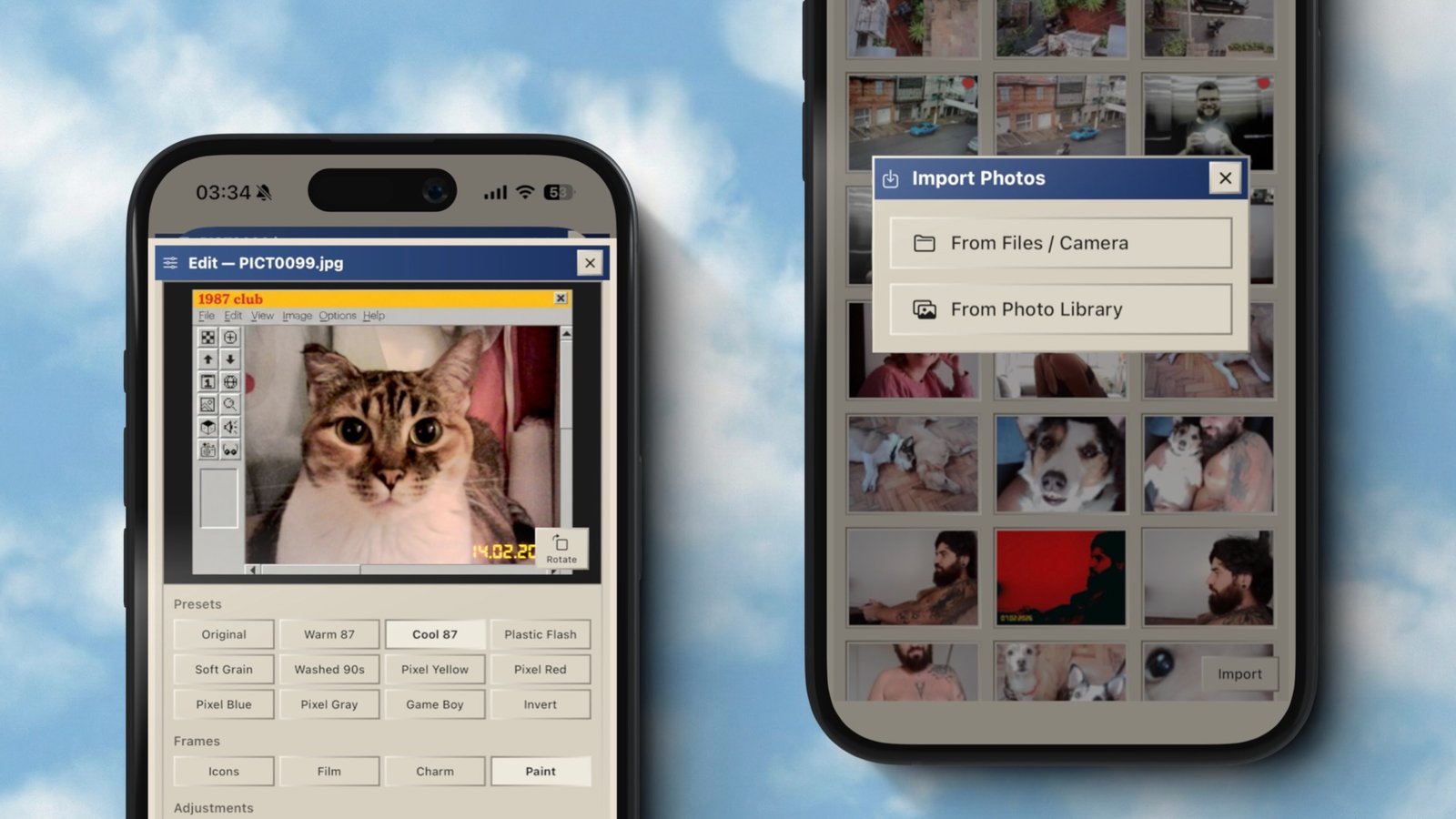
import photos and videos from your camera, apply nostalgic presets, and keep the classic timestamp using the original file metadata.
Android beta is live. follow on Instagram for updates.
Sample Gallery
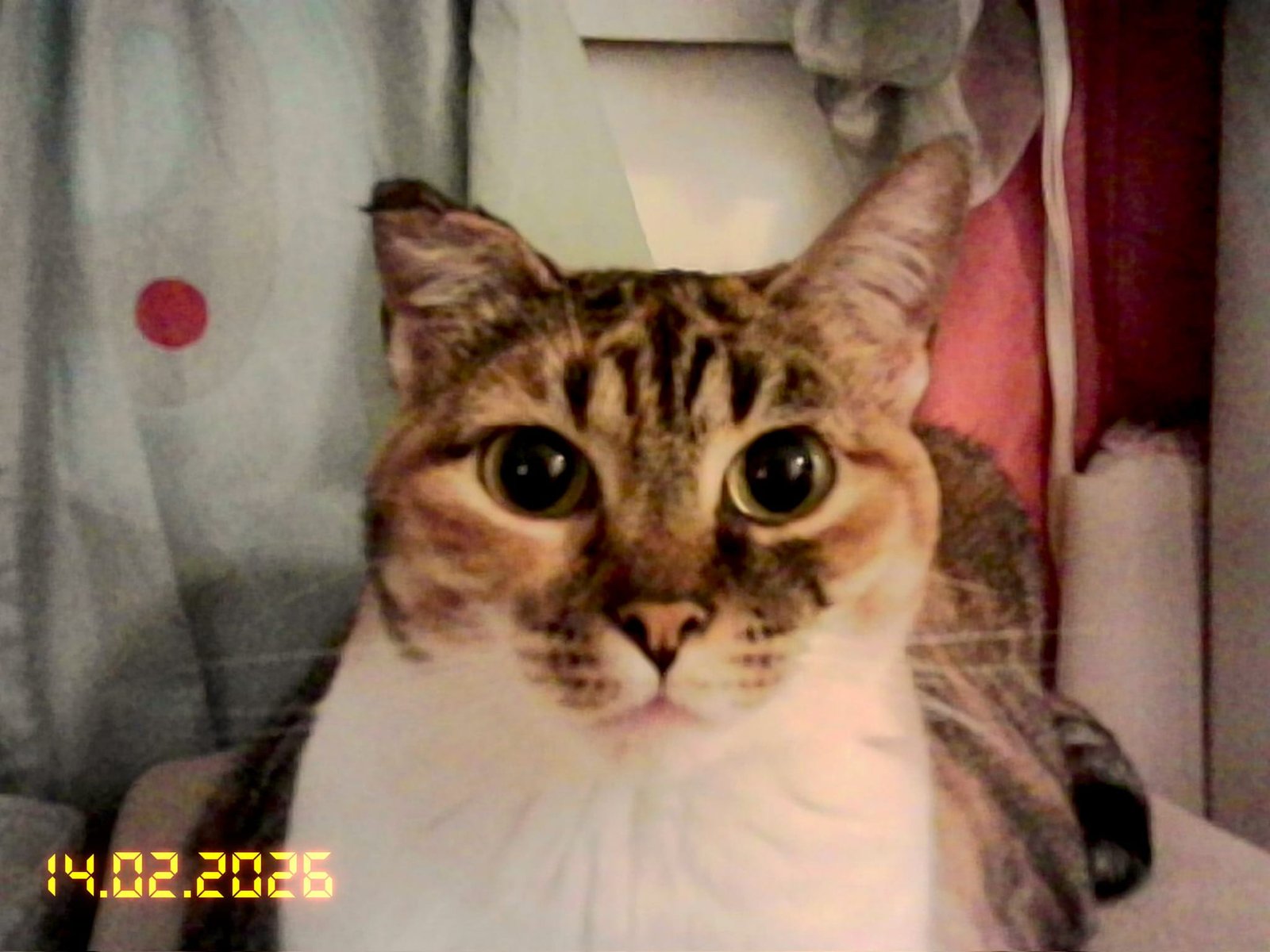

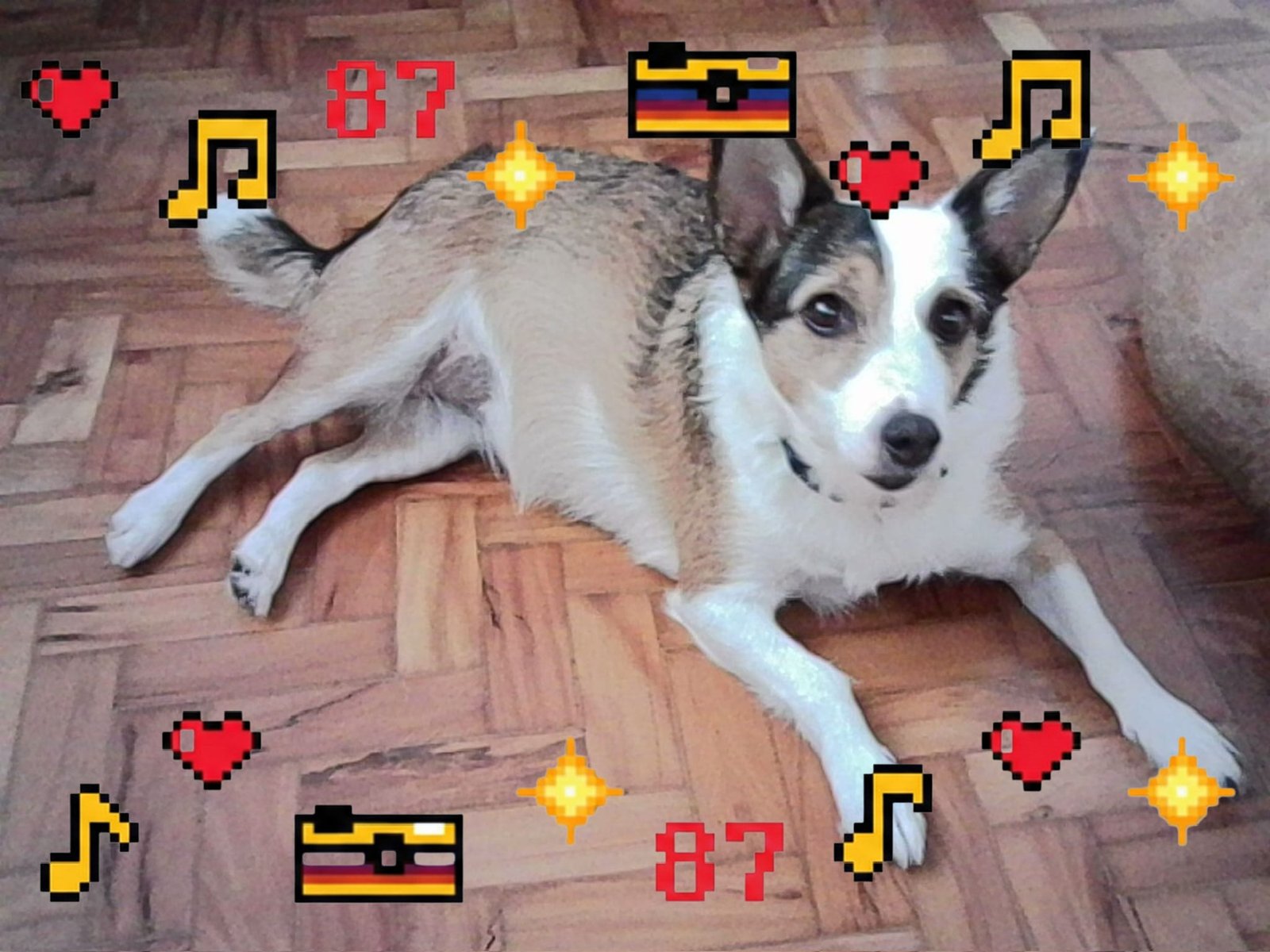
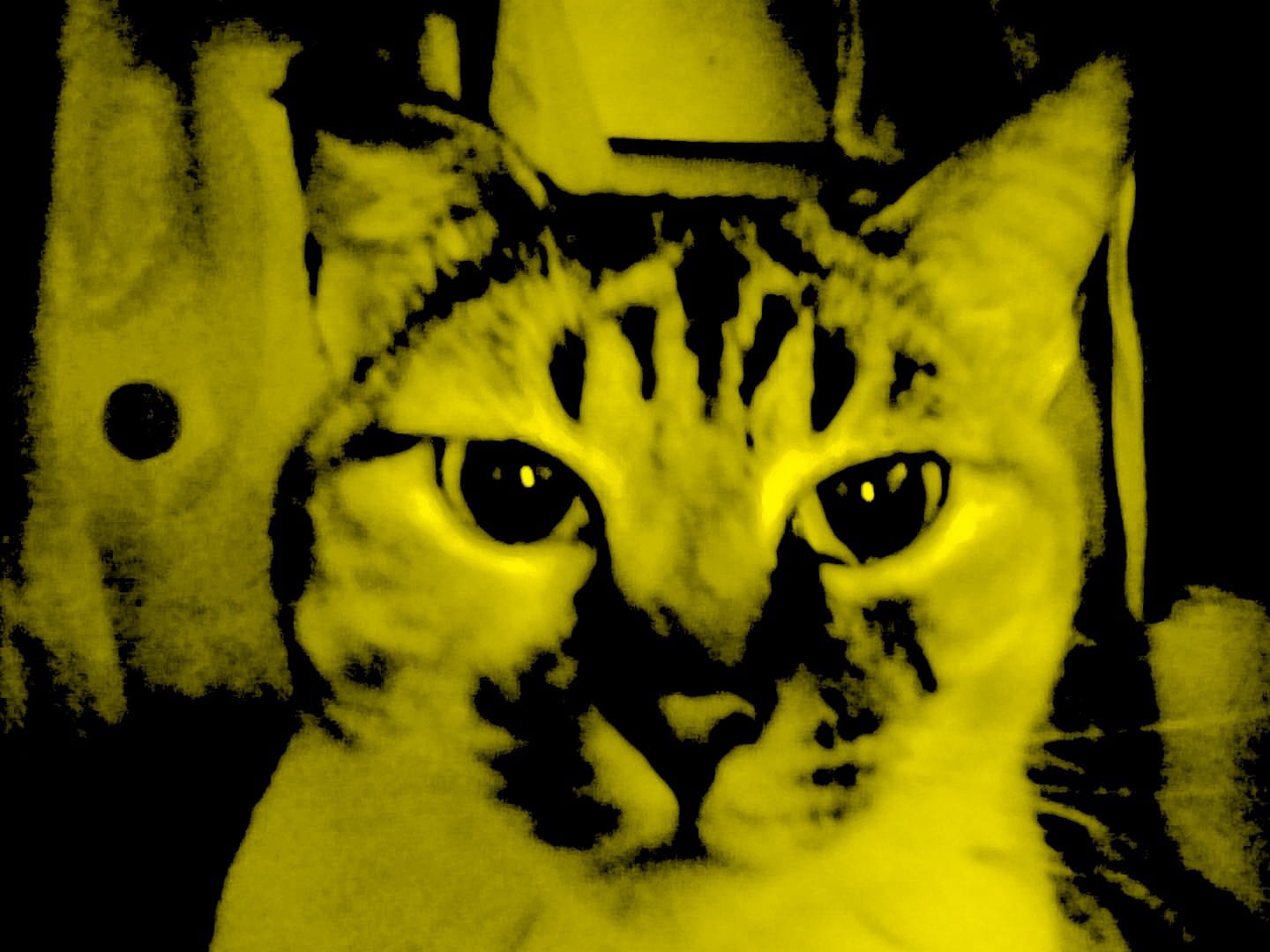
Screenshots
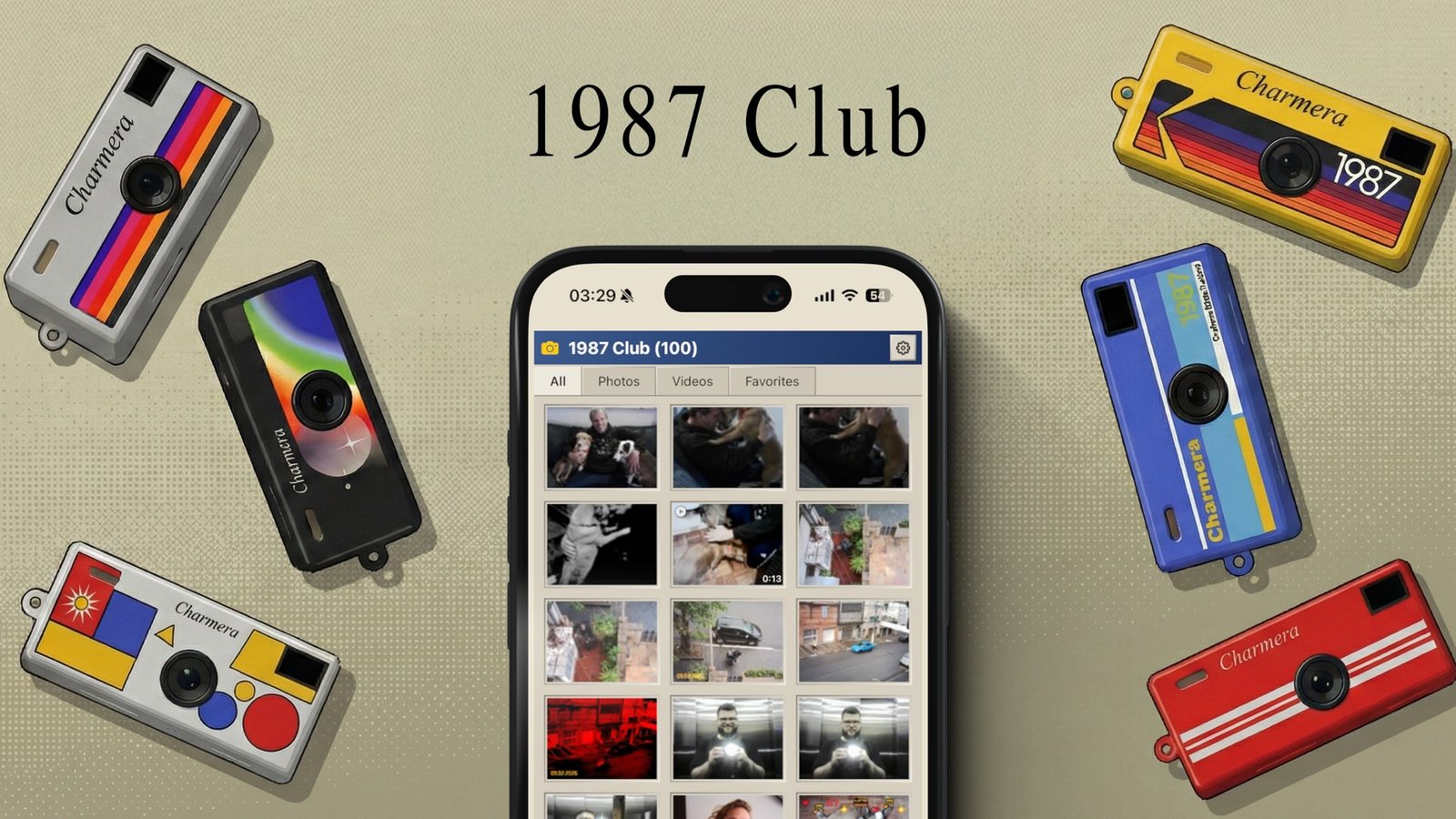
Read Me
ABOUT 1987 CLUB
Created by Pedro Favaretto, 1987 Club is a passion project born from the "technostalgia" movement. Inspired by the tactical feel of the Kodak Charmera and the simplicity of early digital imaging.
The goal is to bridge the gap between your physical retro hardware and today's digital curation needs without the noise of modern platforms.
The Philosophy
No account.
No social feed.
No subscription.
Camera Connection
If your iPhone and camera both use USB-C, connect them directly. Otherwise, use a microSD adapter. It works with most small digital cameras.
Just a pure tool for curators of the digital vintage. We believe your workflow should be as intentional as your photography.
Privacy Policy
Last updated: 02/20/2026
1987 Club respects your privacy.
The app does not collect, store, or share any personal data.
All photo and video processing happens locally on your device. Your files are never uploaded to any external server.
The app does not require account creation, does not track users, and does not use third-party analytics or advertising SDKs.
If you contact support via email, your email address is used only to respond to your request.
Questions: 1987club@songtiles.com
Terms of Use
Last updated: 02/20/2026
By downloading and using 1987 Club, you agree to the following terms:
- License: non-exclusive, non-transferable license for personal use.
- Content: you are responsible for imported, edited, and exported content.
- No Warranty: the app is provided "as is" without warranties.
- Limitation of Liability: the developer is not responsible for data loss or damages from app use.
- Changes: these terms may be updated in future versions.
Questions: 1987club@songtiles.com
Support
If you need help with 1987 Club, contact:
Typical response time: 48 hours.
When contacting support, include:
- Device model
- iOS version
- App version
- Brief description of the issue